
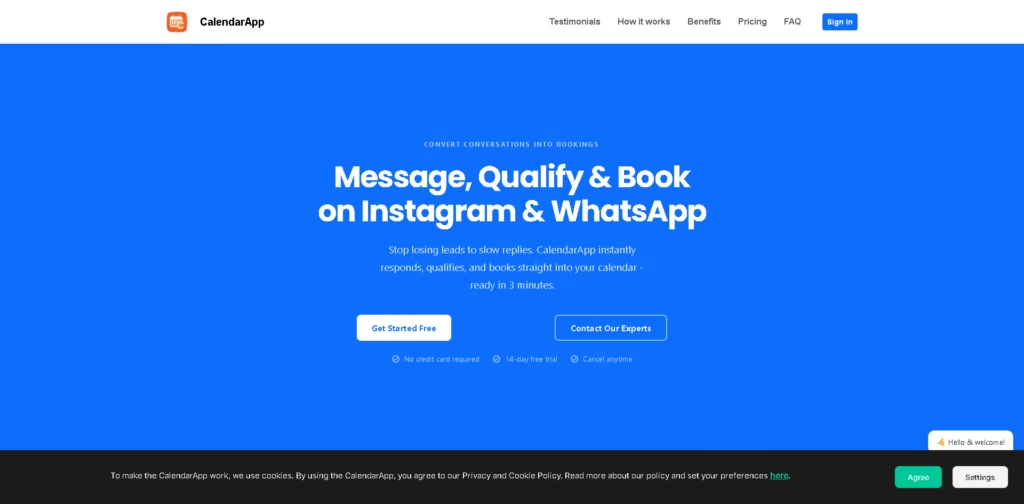
What It Does
CalendarApp is an AI-powered scheduling tool that helps businesses turn social media conversations into booked appointments.
It automatically replies to messages, qualifies leads, and schedules meetings directly into your calendar-so you never miss a potential client.
Key Features
- Auto-Reply AI – Instantly responds to messages on Instagram and WhatsApp.
- Lead Qualification – Filters and qualifies prospects before booking.
- One-Click Booking – Converts conversations into scheduled appointments automatically.
- Automated Reminders – Reduce no-shows with timely follow-ups.
- Fast Setup – Ready to use in minutes with minimal configuration.
- Calendar Integration – Syncs bookings directly with your calendar.
Who Is CalendarApp For?
- Freelancers & Consultants – Turn DMs into booked client calls effortlessly.
- Small Business Owners – Automate customer responses and scheduling.
- Agencies & Marketers – Handle high-volume inquiries without missing leads.
- Service Providers – Reduce no-shows and improve booking efficiency.
- Anyone Using Instagram/WhatsApp for Business – Convert chats into real revenue.
Final Thoughts
CalendarApp focuses on solving a real problem-losing leads due to slow replies. Automating conversations and bookings, it helps businesses save time and increase conversions.
If your business relies on social media messages, this tool can be a game-changer. Try the free trial and see how many more leads you can convert into actual bookings.















