
What It Does
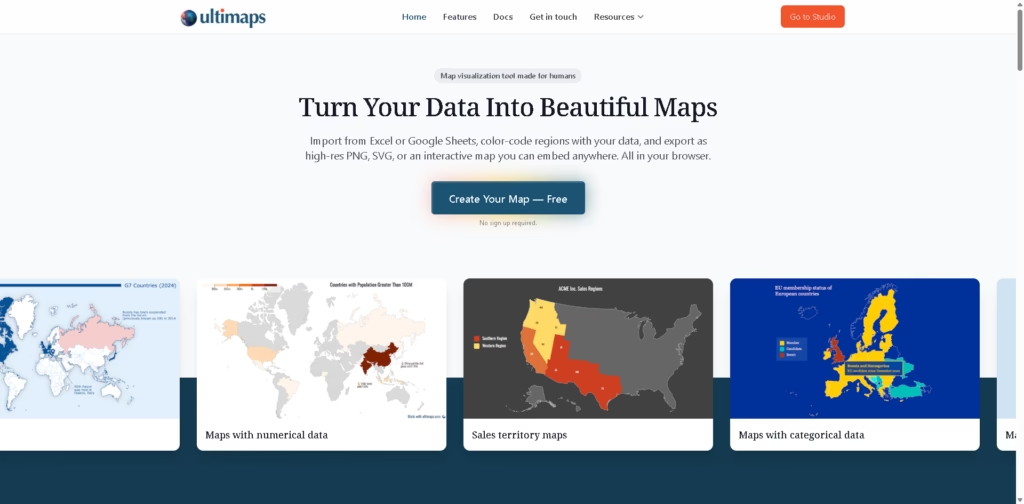
Ultimaps is a browser-based map visualization tool that turns spreadsheet data into clean, professional-looking maps in minutes.
You can import data from Excel, Google Sheets, or CSV files, color-code regions, add pins, and export high-quality static or interactive maps-no GIS skills or design background required.
Key Features
- Spreadsheet-to-Map Import: Paste data from Excel, CSV, Google Sheets, or Notion and let Ultimaps automatically match it to regions.
- Multiple Map Types: Create choropleth maps, sales territory maps, presence maps, pin maps, and categorical maps.
- AI-Assisted Mapping: Use simple prompts like “color states by population” to speed up map creation.
- Interactive Maps: Add hover tooltips, click popups, and publish maps as interactive embeds for websites or reports.
- Flexible Exports: Download maps as PNG, SVG, or PDF, or share them via link.
- No-Code & In-Browser: Everything runs in your browser-no installs, no complex setup.
Who Is Ultimaps For?
- Sales & Operations Teams: Visualize territories, coverage areas, and regional performance.
- Real Estate Professionals: Map property portfolios, locations, and asset performance.
- Researchers & Analysts: Create clear demographic, survey, or population maps for reports.
- Journalists & Educators: Build election, geography, and editorial maps that are easy to understand.
- Businesses & Startups: Showcase market presence and service areas on websites or investor decks.
Final Thoughts
Ultimaps hits a sweet spot between simplicity and power. It’s fast, intuitive, and flexible enough for both quick visuals and polished, publication-ready maps.
If you want to turn raw data into clear, shareable maps without learning GIS tools or design software, Ultimaps is an excellent choice.
You can start for free and upgrade only if you need higher-resolution exports or white-label maps.















