What It Does
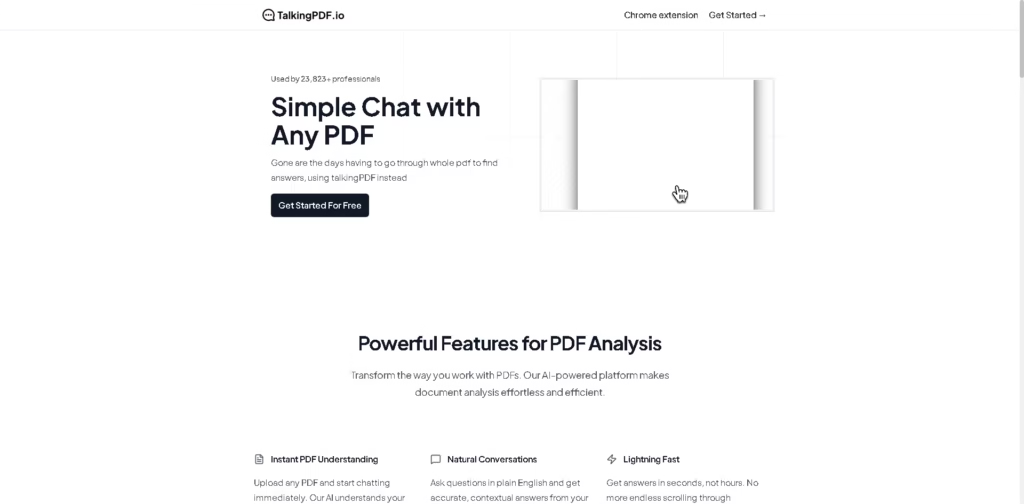
TalkingPDF is an AI-powered PDF assistant that lets you “chat” with your documents like you’re talking to a person.
Instead of manually reading long PDFs, you can ask questions and instantly get clear, contextual answers pulled directly from the file.
It’s built as a Chrome extension and web tool, mainly for professionals, students, and researchers.
Key Features:
- Chat with Any PDF – Upload a PDF and ask questions in natural language.
- Instant Document Understanding – Quickly extracts meaning and key information from files.
- Fast Answers in Seconds – Saves time compared to manual reading and searching.
- Smart Semantic Search – Finds relevant details across large or multiple PDFs.
- Multi-PDF Support – Can work with more than one document at the same time.
- Study & Research Assistant – Helps summarize, explain, and simplify complex topics.
- Secure & Encrypted – Keeps uploaded documents protected and private.
- Works on Different Document Types – Supports academic papers, manuals, reports, and legal documents.
Who Is TalkingPDF For?
- Students who need a quick understanding of textbooks and notes
- Researchers analyzing academic papers and citations
- Law professionals & students working with long legal documents
- Engineers & technical workers reading manuals and instructions
- Business teams reviewing contracts, reports, and proposals
- Anyone who reads long PDFs and wants faster understanding
Final Thoughts
TalkingPDF is a practical AI tool that turns boring PDF reading into an interactive chat experience.
It’s especially helpful for people who deal with long or complex documents daily and want faster insights without wasting time scrolling through pages.
If you regularly work with PDFs, this is a strong productivity tool worth trying.