What It Does
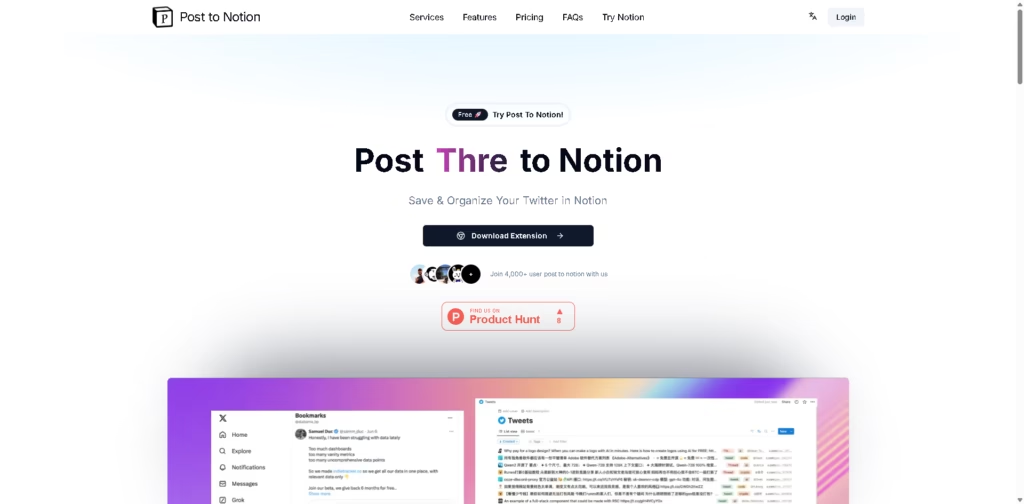
Post to Notion is a browser extension that lets you save tweets and threads from X (formerly Twitter) directly into your Notion workspace with a single click.
Instead of manually copying and pasting content, the tool automatically stores and organizes posts, making it easier to build a searchable knowledge library inside Notion.
Key Features
- One-Click Tweet Saving – Send tweets and threads directly to Notion without copy-pasting.
- Custom Tag Organization – Add personalized tags to categorize saved content.
- Notion Bookmark Template – Comes with a ready-made template for managing and viewing saved content.
- AI Tweet Classification – Automatically categorizes tweets based on your predefined collection rules.
- Automatic Hashtag Tagging – Adds secondary tags to improve searchability.
- AI-Powered Bookmark Chat – Search and interact with saved bookmarks through AI conversations.
- Permanent Content Storage – Saves content in your Notion workspace for future reference, even if the original post becomes unavailable.
- Open-Source Approach – Offers transparency by allowing users to review how the extension works.
- Cross-Platform Expansion (Pro) – Priority access to saving content from platforms like TikTok, Reddit, and YouTube to Notion.
- Free Plan Available – Supports up to 100 saved posts per day at no cost.
Who Is Post to Notion For?
- Researchers & Students – Save useful threads, insights, and references for later study.
- Content Creators – Build a library of inspiration, trends, and content ideas.
- Marketers – Collect industry news, competitor insights, and campaign examples.
- Founders & Entrepreneurs – Organize valuable business advice and growth strategies from X.
- Knowledge Workers – Create a searchable database of useful information without cluttering browser bookmarks.
- Notion Power Users – Extend Notion into a centralized content-saving and knowledge management system.
Final Thoughts
Post to Notion solves a common problem for active X users: saving valuable content in a structured and searchable way. Its one-click workflow, Notion integration, AI-powered organization, and bookmark management features make it a practical productivity tool for anyone who regularly discovers useful content on social media.
If you’re already using Notion as your second brain or knowledge hub, Post to Notion is worth trying, especially since the free plan offers enough functionality to get started without any upfront cost.