
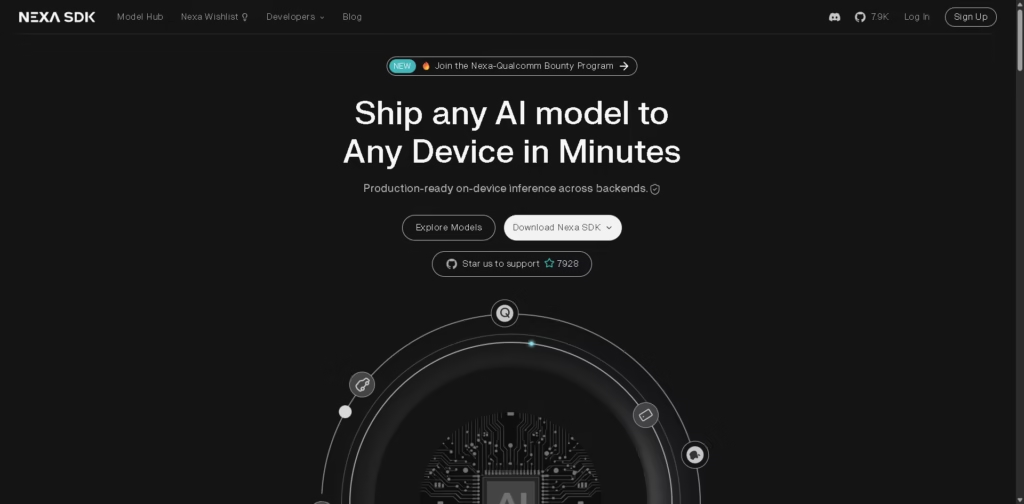
What It Does:
Nexa SDK is a developer-focused AI platform that lets you run, build, and deploy AI models directly on devices like phones, PCs, and embedded systems.
Instead of relying on cloud servers, it enables local (on-device) AI processing using CPU, GPU, or NPU, making apps faster, more private, and more efficient.
Key Features:
- On-Device AI Deployment – Run AI models locally on phones, laptops, and edge devices.
- Multi-Backend Support – Works across NPU, GPU, and CPU hardware.
- Cross-Platform SDK – Tools available for CLI, Python, Android, Linux, and more.
- Fast CLI Setup – Test models quickly with simple terminal commands.
- Large Model Hub – Access language, vision, OCR, detection, translation, and image generation models.
- Optimized Performance – Focused on speed, energy efficiency, and smoother inference.
- Model Compression Tech – Reduces model size while aiming to preserve accuracy.
- OpenAI-Compatible API – Useful for local prototyping and integration.
- Enterprise Ready – Built for production apps, not just experiments.
Who Is Nexa AI For?
- AI Developers – Build apps that run models directly on user devices.
- Mobile App Teams – Add AI features without constant cloud dependency.
- Enterprise Software Teams – Deploy private, efficient AI workflows.
- Robotics & Edge Builders – Useful for real-time AI in hardware products.
- Startups – Launch AI-powered products faster across platforms.
- Researchers & Tinkerers – Experiment with many models locally.
- Privacy-Focused Builders – Keep sensitive data processing on-device.
Final Thoughts:
Nexa SDK is a powerful tool for developers who want to bring AI directly onto devices instead of relying on cloud APIs.
Its biggest advantage is flexibility-it supports many model types, hardware platforms, and deployment environments in one system.
If you’re building modern AI apps where speed, privacy, and offline capability matter, Nexa is definitely worth exploring.















