What It Does
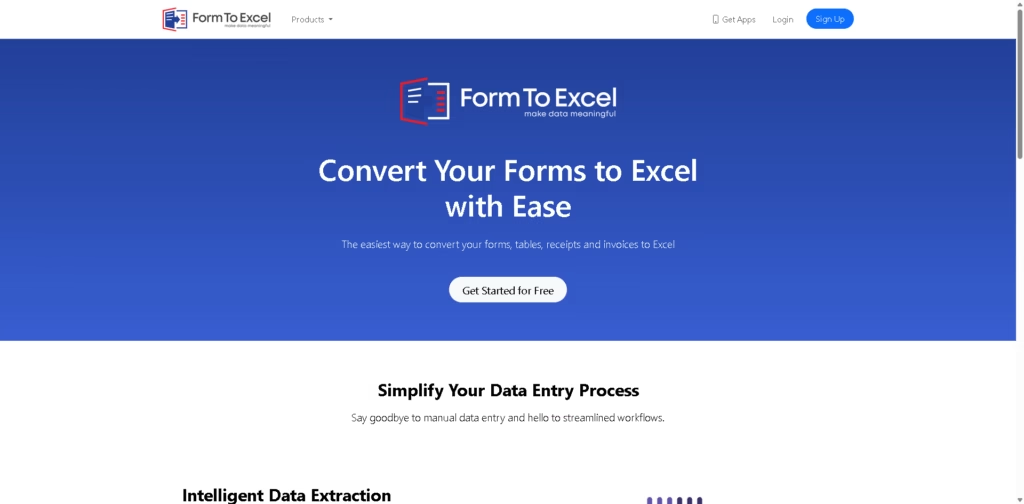
FormToExcel is an AI-powered tool that turns forms, receipts, invoices, and tables-whether from PDFs or images-into clean, editable Excel spreadsheets.
It removes the need for manual data entry and helps you organize information faster.
Key Features
- AI Data Extraction: Automatically reads and pulls data from forms with strong accuracy.
- Supports Multiple Formats: Works with PDFs, scanned documents, and images.
- Recognizes Field Types: Detects text fields, checkboxes, and radio buttons.
- Excel Integration: Exports data directly into Excel for easy analysis.
- Mobile Access: Lets you scan and convert documents on the go using a mobile app.
- Time-Saving Automation: Reduces repetitive manual work and speeds up workflows.
Who Is FormToExcel For?
- Business Owners: Quickly digitize invoices and receipts without manual typing.
- Accountants & Finance Teams: Extract structured data for reporting and analysis.
- Students & Researchers: Convert printed or scanned tables into editable formats.
- Field Workers: Capture and process forms instantly using mobile devices.
- Freelancers & Admins: Handle large volumes of documents efficiently.
Final Thoughts
FormToExcel focuses on doing one thing really well: turning messy, unstructured documents into usable Excel data.
It’s especially useful if you deal with forms daily and want to save time while reducing errors. If manual data entry slows you down, this tool is worth trying, especially with its free test option.