What It Does
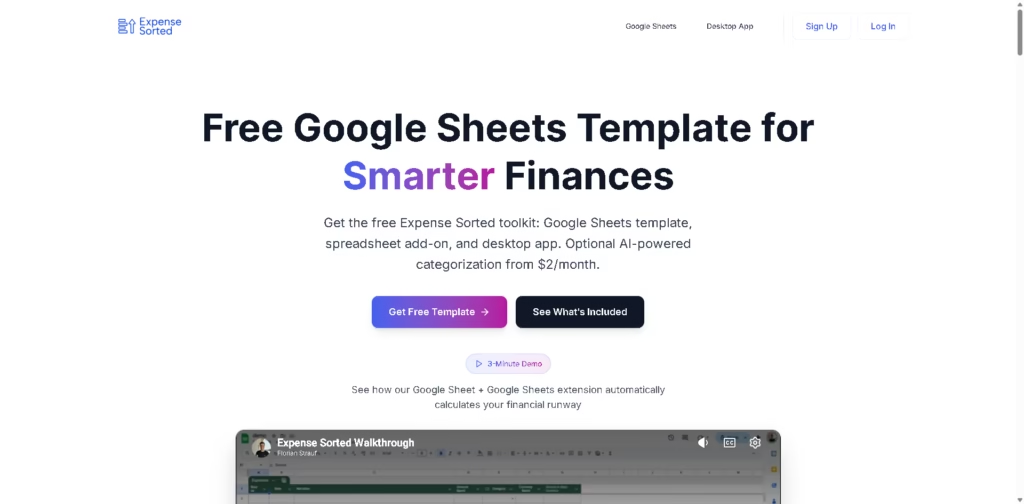
Expense Sorted is a finance tracking toolkit that helps users manage personal or business expenses using Google Sheets, a browser extension, and an optional desktop app.
It focuses on simplifying budgeting by automatically organizing transactions, calculating financial runway, and giving users clearer visibility into their spending habits.
Key Features
- Google Sheets Template System: Provides a ready-made spreadsheet in your Google Drive for easy finance tracking.
- Browser Extension Integration: Automatically imports and categorizes bank or CSV data into your sheet.
- Desktop App Option: Offers a local-first app for users who prefer offline and private financial tracking.
- AI Expense Categorization: Helps automatically sort transactions into meaningful categories.
- Financial Runway Calculator: Shows how many months of freedom your savings can support.
- Investment Tracking Support: Works with brokerage data like Interactive Brokers (IBKR) and CSV files.
- Real-Time Financial Dashboard: Updates insights and spending patterns automatically in sheets or apps.
- Privacy-Focused Design: Keeps data either in your Google Sheets or on your device, without storing it externally.
- Beginner-Friendly Setup: Takes just a few minutes to get started with no complex setup required.
Who Is Expense Sorted For?
- Individuals Managing Personal Finances: Great for tracking savings, expenses, and financial goals.
- Freelancers & Solo Workers: Helps understand income stability and monthly runway.
- Budget-Conscious Users: Ideal for people who prefer Google Sheets over complex finance apps.
- Investors: Useful for tracking portfolios and asset allocation in spreadsheets.
- Privacy-Focused Users: Perfect for those who want local or spreadsheet-based financial control.
- Startup Founders & Early Entrepreneurs: Helps quickly understand financial runway and cash flow.
Final Thoughts
Expense Sorted stands out by blending the simplicity of Google Sheets with automation features like AI categorization and financial insights. Instead of forcing users into a closed finance app, it enhances tools people already use.
If you prefer control, transparency, and a spreadsheet-based workflow-but still want some automation-Expense Sorted is a practical and lightweight option worth trying.