
What It Does
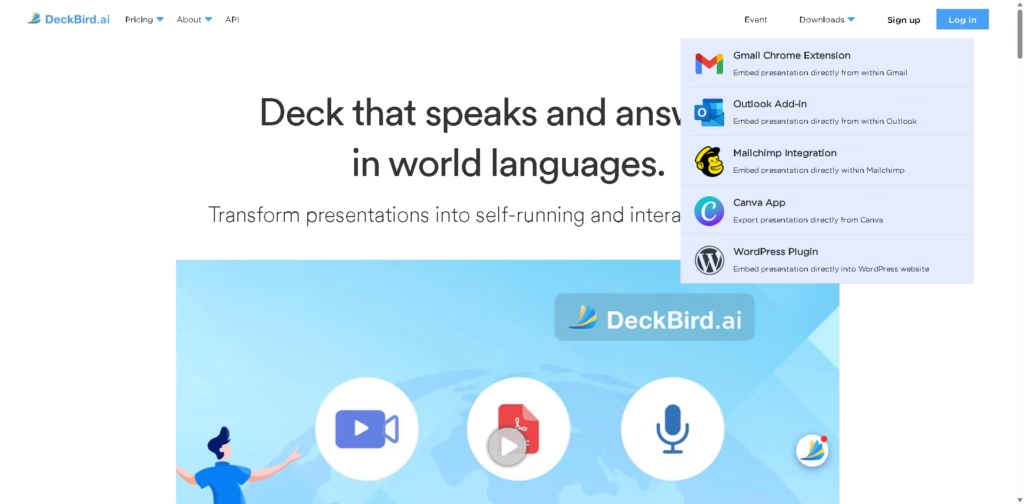
DeckBird is a presentation-to-webinar platform that turns presentation decks into self-running, interactive experiences. It is designed for sales, marketing, training, and other teams that want to share presentations with video, voice narration, viewer interaction, and analytics.
Users can import presentations from formats and tools such as Adobe PDF, Canva, PowerPoint, Google Slides, and Keynote, then add recorded or embedded video, AI-assisted voice narration, multilingual captions, and an interactive AI sidebar. Decks can be shared through hosted channels or embedded into emails and websites, while built-in CRM and analytics track viewer activity.
Quick Verdict
- Best for: Sales, marketing, training, and multilingual presentation delivery
- Skip if: You only need a basic presentation editor or slideshow viewer
- Key Advantage: Interactive presentations with narration and viewer engagement
- Top Alternative: Not specified in the provided vendor data
At a Glance
| Feature | Details |
|---|---|
| Category | Interactive Presentation & Webinar Platform |
| Pricing Model | Not specified |
| Free Tier | Free Trial / Free Use Option Mentioned |
| Platform | Web |
| API | Yes |
| Primary Strength | Interactive multilingual presentation experiences |
| Languages | 10 world languages |
| Integrations | 20+ business software systems |
Pricing & Plans
- Free: $0. Includes 1 presentation file with up to 100 MB of storage.
- Pro: $70/user/month when paid annually. Includes 10 files, up to 1 GB of storage, and additional cloned voices and emails.
- Company: $8,000/year for 5 user seats. Includes Pro features plus team collaboration and management.
- Enterprise: Custom pricing. Provides customized solutions for company-wide multiple teams.
Note: Prices and plan limits may change. Check the official website for current pricing.
Key Features
- Converts presentation decks into self-running and interactive webinar experiences.
- Records, uploads, or embeds video content with a built-in text prompter.
- Provides 32 system voice avatars across 10 world languages.
- Translates narration and captions into multiple local languages.
- Lets viewers ask questions through an interactive AI sidebar.
- Tracks viewer activity with built-in CRM and analytics.
Best For
- Turning sales decks into reusable webinar experiences.
- Creating multilingual presentations without recording separate narrations.
- Embedding presentations and videos into emails and websites.
- Monitoring viewer engagement and presentation activity.
- Collaborating with sales and marketing teams on shared presentations.
Pros & Cons
Pros
- Supports video, voice narration, AI interaction, and presentation sharing in one platform.
- Offers multilingual narration and captions across 10 languages.
- Integrates with presentation tools including Canva, PowerPoint, Google Slides, and Keynote.
- Includes team collaboration, CRM, and viewer analytics features.
Cons
- Pricing details are not included in the provided product information.
- The exact 20+ business software integrations are not individually identified in the provided text.
- The available information does not specify desktop or mobile applications.
Alternatives & Comparisons
| Alternative | Best For | Key Difference vs. DeckBird |
|---|---|---|
| PowerPoint | Traditional presentation creation | DeckBird adds webinar-style interaction, narration, and viewer analytics |
| Canva | Visual presentation design | DeckBird focuses on turning presentations into interactive, shareable experiences |
| Google Slides | Collaborative slide creation | DeckBird adds narration, AI viewer interaction, and engagement tracking |
DeckBird is more focused on turning existing presentations into interactive content than on creating slides from scratch. Choose DeckBird when narration, multilingual delivery, viewer interaction, embedding, and engagement tracking are important parts of the workflow.
Frequently Asked Questions
What is DeckBird?
DeckBird is a platform that transforms presentations into self-running and interactive webinar experiences with video, voice, AI interaction, and analytics.
Which presentation formats does DeckBird support?
The provided information lists Adobe PDF, Canva, PowerPoint, Google Slides, and Keynote.
Does DeckBird support multiple languages?
Yes. DeckBird states that it provides voice narration in 10 world languages and can automatically translate narration and captions into local languages.
Can viewers interact with a DeckBird presentation?
Yes. Its AI Sidebar allows viewers to ask questions and receive answers while viewing the presentation.
Does DeckBird provide analytics?
Yes. DeckBird includes built-in CRM and analytics for tracking viewer activities.
ToolsPedia Rating
- Performance & Speed: 4.0/5.0
- Ease of Setup: 4.1/5.0
- Feature Depth: 4.5/5.0
- Value for Price: 4.0/5.0
- ToolsPedia Score: 4.2/5.0
Ratings are editorial assessments based on the documented feature set and available product information, not hands-on performance testing.
Final Thoughts
DeckBird is a strong fit for teams that already rely on presentations but want to make them more reusable, interactive, and accessible across languages. Its combination of video, voice narration, AI viewer interaction, embedding, collaboration, and analytics gives it a broader role than a conventional presentation tool. Teams should review the available pricing and integration details before choosing a plan.
















