
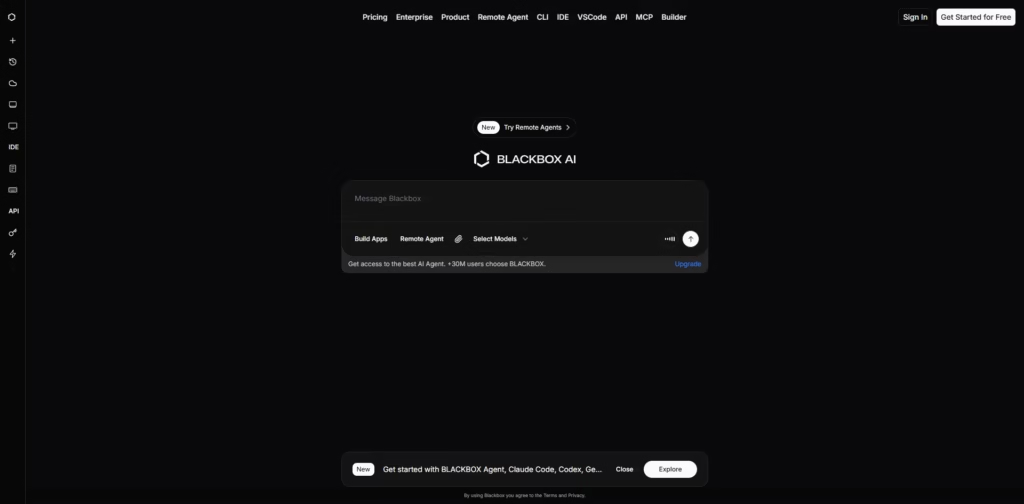
What It Does
Blackbox AI is an AI-powered development platform that combines a smart IDE with autonomous coding agents. You can write, debug, and build applications using plain language instructions.
Its remote agents can run tasks like code review, testing, and deployment, making coding faster and more automated.
Key Features
- Natural Language → Code: Write instructions in plain English and the AI generates working code.
- Auto / Manual Modes: Let the AI work autonomously or review each change before applying.
- Live Preview & History: Track AI changes in real-time and review past actions.
- Multi‑Modal Input: Give instructions via text, voice, or images.
- IDE Integration: Works as a standalone app and integrates with popular IDEs like VS Code.
- Remote / Autonomous Agents: Agents handle tasks in the cloud, from code review to deployment.
- Multi-Agent Orchestration: Run multiple AI agents simultaneously to compare solutions.
- Large Model Support: Access top AI models including GPT-5, Claude, and Gemini.
- Credit / Token Management: Monitor AI usage and manage credits directly in the IDE.
- Security: Local encryption ensures your code and data remain secure.
- Accessibility: Available on desktop, web, and mobile platforms for coding anywhere.
Who Is Blackbox AI For?
- Individual Developers: Speed up coding, auto-generate boilerplate, and build features efficiently.
- Teams & Enterprises: Useful for collaborative workflows, remote agents, and production environments.
- Learners & Students: Helps understand complex or legacy code through explanations.
- Busy Builders: Prototype apps quickly from ideas, mockups, or voice instructions.
- DevOps / CI Users: Automate code review, testing, and deployment pipelines with ease.
Final Thoughts
Blackbox AI is a powerful coding companion that goes beyond autocomplete. It’s ideal for automating repetitive tasks, speeding up development, and building apps from ideas.
While it may take some time to master agent setups, Blackbox AI a great choice for developers looking to boost productivity.
Starting with the free version is a good way to test its capabilities before upgrading.















