What It Does
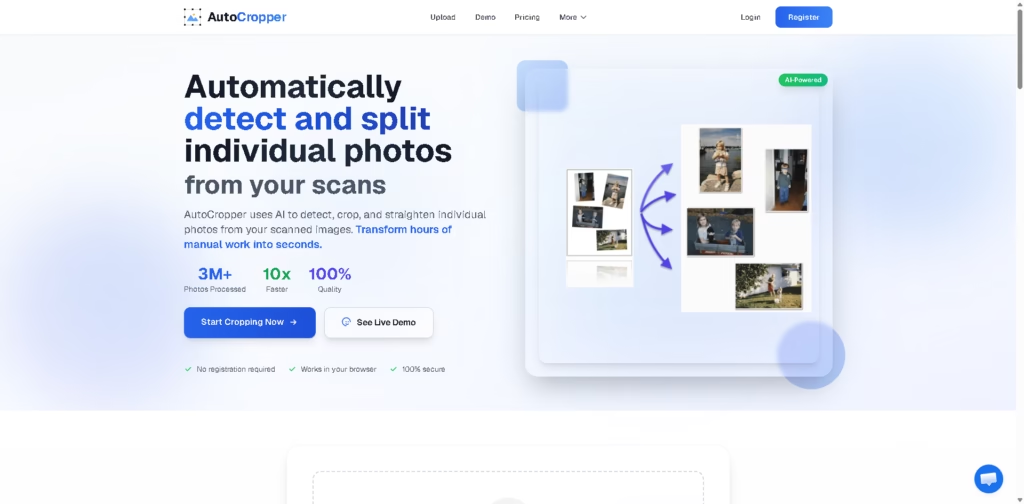
AutoCropper is an AI-powered tool that automatically detects, splits, and crops individual photos from scanned images.
Instead of manually cutting and straightening photos one by one, it quickly separates them into clean, ready-to-use files in seconds.
Key Features
- Automatic Photo Detection – Finds multiple photos inside a single scanned image.
- Smart Cropping & Splitting – Separates each photo into individual files automatically.
- Rotation Correction – Detects and straightens tilted or rotated images.
- Batch Processing – Handles multiple scans at once to save time.
- High-Quality Output – Keeps original image quality without compression loss.
- Browser-Based Tool – Works online without installing software.
- Fast Processing Speed – Converts hours of manual work into seconds.
- Advanced Editing Option – Allows fine-tuning of crop areas if needed.
- Supports Multiple Formats – Works with JPEG, PNG, TIFF, and PDF files.
- Secure Upload System – Files stay private and are processed safely.
Who Is AutoCropper For?
- Photographers – Quickly digitize and organize scanned photo collections.
- Archivists & Historians – Process large batches of historical images efficiently.
- Card & Stamp Collectors – Separate scanned items into individual files.
- Families – Digitize old photo albums without manual editing work.
- Designers – Extract clean images for creative projects.
- Anyone with Scanned Photos – Save time by automating cropping tasks.
Final Thoughts
AutoCropper is a highly practical AI tool focused on one clear job: splitting and cropping scanned photos automatically. It’s not a general editing suite, but that’s exactly what makes it powerful.
The speed, simplicity, and accuracy make it especially useful for anyone working with large collections of scanned images.
If you regularly deal with scanned photos or archives, AutoCropper can save you a huge amount of manual effort and time.