
What It Does
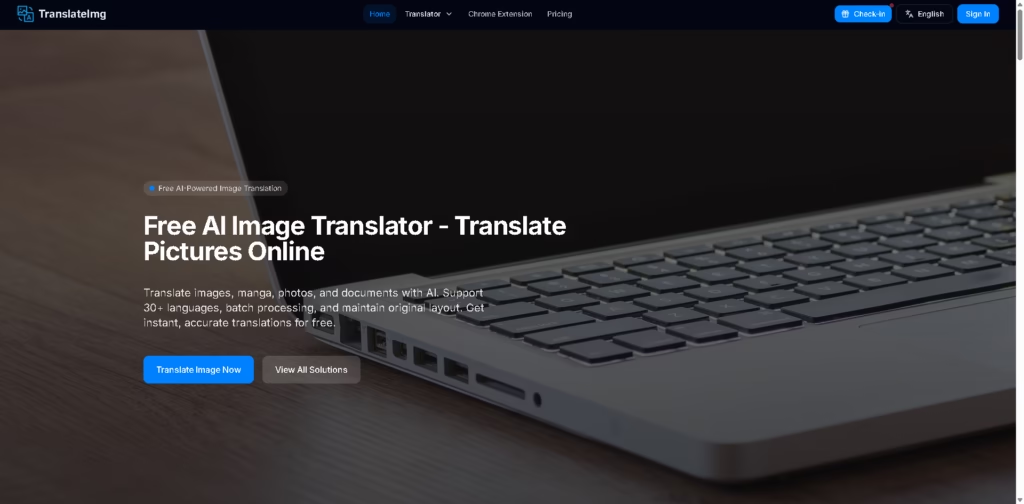
TranslateImg is a browser-based AI image translation tool for converting text inside images into other languages. It targets users translating manga, photos, screenshots, signs, menus, scanned documents, and other visual content.
TranslateImg combines general image translation with specialized manga translation, batch processing, and a Chromium browser extension. A typical workflow is to upload an image, let the AI detect and translate its text, then download or view the translated image while preserving its original layout.
At a Glance
| Field | Details |
|---|---|
| Category | AI image translation |
| Platform | Web browser, Chrome extension |
| Languages | 30+ |
| Browser Support | Chrome, Edge, Brave, Chromium-based browsers |
| Batch Processing | Up to 20 images simultaneously |
| Processing Speed | Claimed 3-5 seconds |
| Free Access | Free tier, no credit card required |
| Layout Preservation | Maintains original layout, font style, and positioning |
Key Features
- Translates text embedded in images using AI.
- Preserves original image layout, font style, and text positioning.
- Provides specialized translation for manga and comics.
- Processes up to 20 images simultaneously.
- Translates images directly from webpages through its browser extension.
- Supports automatic source-language detection.
- Handles scanned documents, forms, menus, signs, and screenshots.
Best For
- Translating manga and comics while retaining their visual formatting.
- Quickly understanding foreign-language signs, menus, and screenshots.
- Translating batches of product images for multilingual listings.
- Studying foreign-language textbooks and visual learning materials.
- Translating images encountered while browsing websites.
Pros & Cons
| Pros | Cons |
|---|---|
| Supports 30+ languages and multiple image-translation workflows. | The advertised 95%+ accuracy is a vendor claim rather than an independently verified result. |
| Preserves image layout, styling, and text positioning. | Some advanced capabilities, such as enterprise API workflows, require contacting sales. |
| Batch processing supports up to 20 images. | Offline extension support is not established by the provided information. |
| Chrome extension enables translation directly on webpages. | Free-tier daily usage limits are described as generous but not quantified. |
Alternatives & Comparisons
| Alternative | Best For | Key Difference |
|---|---|---|
| Google Translate | General-purpose image and text translation | Broader translation ecosystem and established general translation service |
| DeepL | High-quality text translation | Strong focus on text translation rather than image-layout workflows |
| Manga Translator | Manga-specific translation | More narrowly focused on manga and comic translation |
| TransGull | Conversations, live speech, and multimedia translation | Covers real-time speech and video translation in addition to images |
TranslateImg fits users who specifically need visual translation with layout preservation, rather than text-only translation. Choose it when manga, screenshots, webpage images, or batch image translation are central to your workflow.
Frequently Asked Questions
Does TranslateImg work with manga?
Yes. It provides a dedicated manga translator designed to preserve speech-bubble formatting and the artistic layout.
Can I translate images directly from websites?
Yes. Its Chrome extension can select and translate images while browsing, and it is also listed as compatible with Edge, Brave, and other Chromium-based browsers.
Can TranslateImg translate multiple images?
Yes. The platform states that its batch translator can process up to 20 images simultaneously.
Is TranslateImg free?
The service provides a free tier with no credit card required. However, the exact daily usage allowance is not specified in the supplied information.
Does it preserve the original image layout?
The vendor states that translated images retain the original layout, font style, and positioning of text.
Overall Rating
| Category | Score |
|---|---|
| Performance | 4.4/5 |
| Ease of Use | 4.6/5 |
| Feature Set | 4.5/5 |
| Workflow Fit | 4.6/5 |
| Overall | 4.5/5 |
TranslateImg is a strong fit for image-first translation workflows, particularly when preserving visual formatting matters as much as translating the text.
Final Verdict
- Best for: Users translating manga, screenshots, menus, signs, and other text-heavy images.
- Avoid if: You primarily need sophisticated text-only translation or offline translation.
- Biggest strength: Combines image translation, layout preservation, batch processing, and browser-based translation.
- Best alternative: TransGull for users who also need live speech, conversation, and video translation.
















