
What It Does
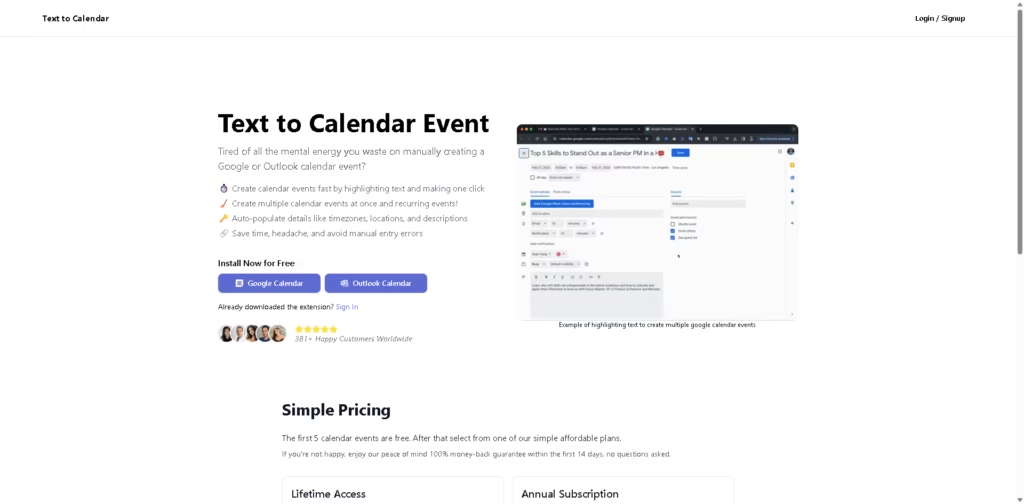
Text to Calendar is a simple yet powerful AI tool that lets you create calendar events directly from highlighted text.
Instead of manually entering details, you just select text on any webpage, click once, and the tool automatically turns it into a filled calendar event.
Key Features
- Highlight-to-Create – Instantly turn selected text into calendar events with one click.
- Bulk Event Creation – Create multiple events at once, including recurring schedules.
- Auto-Filled Details – Automatically detects time, date, location, and timezone.
- Google & Outlook Integration – Works seamlessly with both major calendar platforms.
- Error Reduction – Eliminates manual entry mistakes and saves time.
- Lightweight & Fast – No complex setup-just install and start using instantly.
Who Is Text to Calendar For?
- Busy Professionals – Quickly turn emails, messages, or notes into scheduled events.
- Students – Convert class schedules or deadlines into calendar entries instantly.
- Freelancers – Manage meetings and client tasks without switching tabs.
- Event Planners – Create multiple events in bulk with minimal effort.
- Anyone Who Hates Manual Entry – Save time and avoid repetitive scheduling work.
Final Thoughts
Text to Calendar focuses on doing one thing extremely well: turning text into events effortlessly. It’s not overloaded with features, but that’s exactly its strength.
If you frequently copy details into your calendar, this tool can save you a surprising amount of time for a very low cost.
Definitely worth trying, especially with its free starter option.















