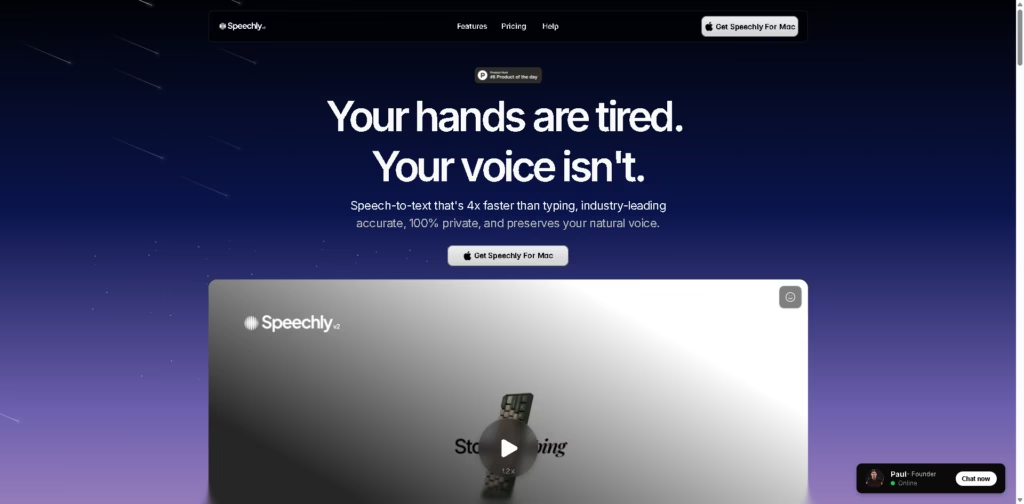
What It Does
Speechly is a speech-to-text productivity app for macOS that turns your voice into text in real time. It’s designed to help users write emails, notes, messages, and even code much faster than typing while keeping their natural writing style intact.
The app focuses heavily on speed, accuracy, privacy, and seamless workflow integration, making voice dictation feel more like a natural extension of your daily work rather than a separate tool.
Key Features
- Real-Time Speech-to-Text
Converts spoken words into text instantly with high accuracy. - 4x Faster Than Typing
Built to help users write and communicate significantly faster using voice. - Intelligent Work Modes
Automatically adapts based on what you’re doing, whether it’s emails, coding, notes, or messaging. - Natural Voice Adaptation
Learns your speaking patterns, vocabulary, and writing style over time. - Offline Support
Works even without an internet connection for uninterrupted dictation. - Multilingual Support
Allows seamless switching between multiple languages during dictation. - Searchable Transcription History
Saves every transcription so users can revisit past conversations or notes quickly. - Push-to-Talk Shortcut System
Uses keyboard shortcuts for fast voice activation and workflow control. - 150+ App Integrations
Works across popular apps like Gmail, Slack, Notion, Cursor, Microsoft Word, and Zendesk. - Privacy-Focused Design
Promotes 100% private processing with native macOS performance optimization.
Who Is Speechly For?
- Writers & Content Creators
Great for brainstorming, drafting, and reducing typing fatigue. - Busy Professionals
Helps users reply to emails, take notes, and handle admin work faster. - Developers
Useful for coding workflows and quick technical note-taking. - Agency Owners & Freelancers
Speeds up communication and content production during busy workdays. - People With Typing Fatigue
Ideal for users who spend long hours typing daily. - Productivity Enthusiasts
Perfect for users looking to optimize workflows and save time.
Final Thoughts
Speechly takes a clean and focused approach to voice productivity. Instead of trying to become a full AI assistant, it concentrates on doing one thing really well: making speech-to-text fast, accurate, and frictionless.
Features like offline support, adaptive voice learning, and deep app integrations make it feel more polished than traditional dictation tools.
The emphasis on privacy and native macOS performance is also a strong advantage for professionals who value speed and security.
If typing slows down your workflow or drains your energy throughout the day, Speechly is definitely worth trying—especially for people who spend hours writing emails, notes, or content every day.