
What It Does
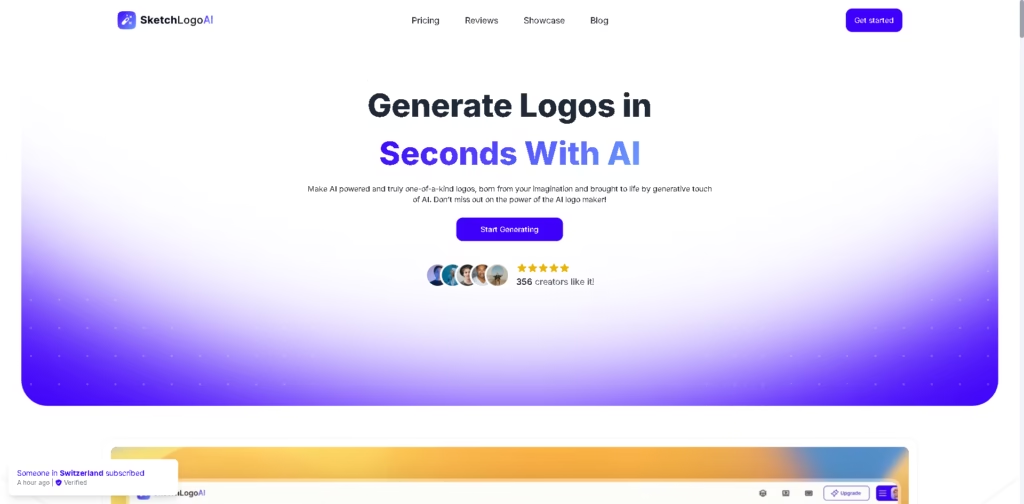
Sketch Logo AI is an AI-powered logo and design generator that turns sketches, existing logos, and images into new visual concepts. Its core audience includes small businesses, creators, marketers, and users who want to develop logos, illustrations, or tattoo concepts without relying entirely on conventional design software.
A typical workflow starts with a rough sketch, which Sketch Logo AI converts into a logo concept. Users can then explore 2D or 3D variations, choose from more than 4,000 font alternatives, adjust visual directions through preset styles, and export the result as PNG or SVG. The platform also supports redesigning an existing logo and converting images into artwork.
Quick Verdict
- Best for: Turning rough sketches into AI-generated logos and visual concepts
- Skip if: You need verified integrations or an API
- Key Advantage: Sketch-based logo generation with SVG output
- Top Alternative: Looka
At a Glance
| Feature | Details |
|---|---|
| Category | AI Logo & Design Generator |
| Pricing Model | Paid subscription |
| Free Tier | Not specified |
| Platform | Web, iOS, Android |
| API | Not specified |
| Primary Strength | Sketch-to-logo generation |
| AI Design Modes | Sketch to Logo, 2D to 3D, Logo to Logo, Image to Art |
| Output Formats | PNG, SVG |
Pricing & Plans
- Pro Monthly: $19/month promotional price, reduced from $29. Includes unlimited usage, 15 preset styles, 2D/3D generations, 4,300+ fonts, PNG/SVG output, 500+ color options, 30,000+ icon options, private generations, commercial license, tutorials, and a monthly license.
- Pro Yearly: $199/year promotional price, reduced from $299. Includes unlimited usage, 15 preset styles, 2D/3D generations, 4,300+ fonts, PNG/SVG output, 500+ color options, 30,000+ icon options, private generations, commercial license, feature requests, tutorials, and a yearly license. The site advertises this as “2 months free.”
Note: Prices and plan limits may change. Check the official website for current pricing.
Key Features
- Converts rough sketches into AI-generated logo concepts.
- Transforms 2D logos or images into 3D illustrations.
- Redesigns existing logos using AI-generated variations.
- Converts uploaded images into AI-generated artwork.
- Provides more than 4,000 font alternatives for logo creation.
- Exports generated designs in PNG and SVG formats.
Best For
- Developing initial logo concepts from hand-drawn sketches
- Redesigning an existing brand logo with AI
- Creating 2D-to-3D visual variations for marketing materials
- Turning reference images into artistic design concepts
- Exploring logo typography across thousands of font alternatives
Pros & Cons
Pros:
- Sketch-to-logo workflow gives users direct visual input.
- Supports both 2D and 3D generation workflows.
- PNG and SVG exports cover common design deliverables.
- Commercial licensing is included in the listed Pro plans.
Cons:
- No API availability is specified in the provided product information.
- No free tier or free trial is specified.
- Integration support with external design or marketing platforms is not specified.
Alternatives & Comparisons
| Alternative | Best For | Key Difference vs. This Tool |
|---|---|---|
| Looka | Automated brand identity creation | Focuses more broadly on logos and brand-kit generation |
| Canva | General-purpose visual design | Provides a broader design editor and template ecosystem |
| Adobe Express | Quick branded content creation | Offers wider general-purpose content creation capabilities |
Sketch Logo AI fits the AI logo-generator market with a stronger emphasis on sketch-based input, logo redesign, and 2D-to-3D generation. Choose it over the alternatives when your workflow starts with a sketch or existing logo, and you specifically want AI-generated visual variations with PNG/SVG output.
Frequently Asked Questions
Can Sketch Logo AI turn a sketch into a logo?
Yes. Its Sketch to Logo feature is designed to transform basic sketches into AI-generated logo concepts.
Can Sketch Logo AI redesign an existing logo?
Yes. The Logo to Logo feature is designed to generate redesigned versions of an existing logo.
Does Sketch Logo AI support SVG exports?
Yes. The listed Pro plans include PNG and SVG output.
Can Sketch Logo AI create 3D logos?
Yes. Its 2D to 3D feature converts 2D logos or images into 3D illustrations.
Is Sketch Logo AI available on mobile?
Yes. The vendor provides mobile apps through both the Apple App Store and Google Play.
ToolsPedia Rating
- Performance & Speed: 4.0/5.0
- Ease of Setup: 4.2/5.0
- Feature Depth: 4.2/5.0
- Value for Price: 3.8/5.0
- ToolsPedia Score: 4.0/5.0
Final Thoughts
Sketch Logo AI is primarily useful for converting rough visual ideas, existing logos, and reference images into AI-generated design concepts. Its combination of sketch-based generation, 2D-to-3D conversion, extensive font and icon choices, and SVG/PNG export makes it more specialized than a general AI image generator.
If your main goal is AI-assisted logo creation from sketches or existing designs, review the current Pro pricing and start with the monthly plan before committing annually.
















