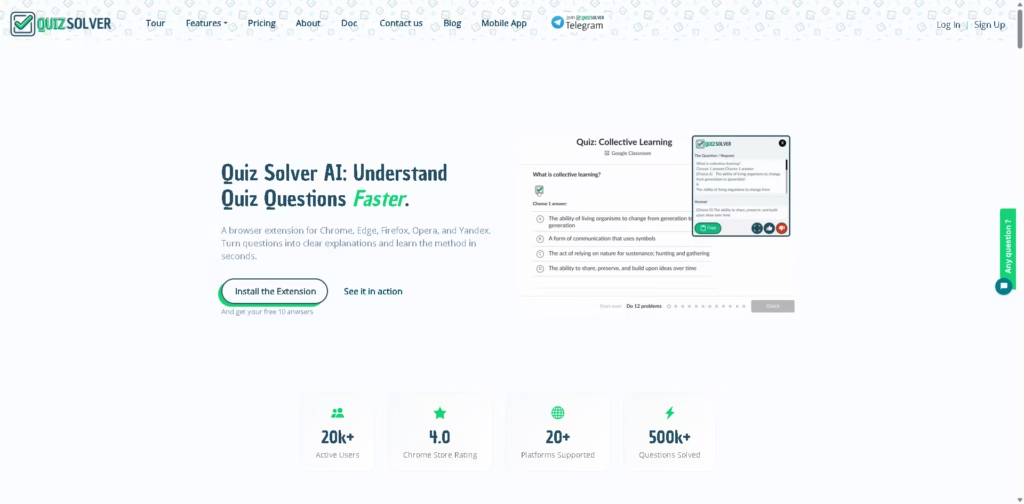
What It Does:
Quiz Solver AI is a browser extension that helps students understand and solve quiz questions instantly. Instead of just giving answers, it focuses on breaking down questions into simple explanations so users can learn the method behind the solution.
It works directly inside popular learning platforms like Canvas, Moodle, Google Forms, and more.
Key Features:
- Auto Question Detection – Instantly detects quiz questions on supported websites.
- QuickSnap Mode – Take a screenshot of any question (even from PDFs or images) and get help instantly.
- AI-Powered Explanations – Uses AI to explain answers step by step, not just give results.
- Works Across Platforms – Compatible with 20+ learning systems like Canvas, Moodle, and Coursera.
- Ghost Mode Interface – Minimal, discreet design while using quizzes.
- Multiple Request Types – Solve, explain, calculate, translate, and more.
- Keyboard Shortcuts – Quick access using hotkeys like Ctrl+Shift+Q.
- Privacy-Focused Design – Claims no long-term storage of quiz content or personal data.
- Math & Subject Support – Handles subjects like math, science, coding, and more.
- Free and Paid Plans – Offers a free tier plus premium plans with higher limits and features.
Who Is Quiz Solver AI For?
- Students – Need quick explanations for homework and quizzes.
- Online Learners – Using platforms like Coursera, edX, or LMS systems.
- Busy Students – Want fast understanding without reading long solutions.
- Math & Science Learners – Get step-by-step help for complex problems.
- Self-Learners – Who want guided support while studying independently.
Final Thoughts:
Quiz Solver AI is designed more like a study assistant than a simple answer tool. Its strength is in fast explanations and in-browser help, which makes studying more interactive and less frustrating.
However, it’s best used as a learning aid rather than a shortcut for skipping practice.