
What It Does
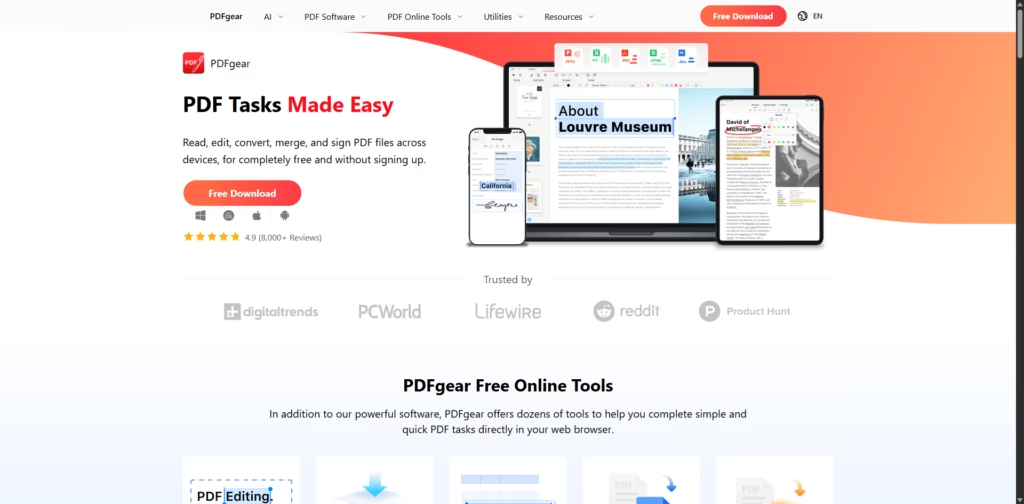
PDFgear is a completely free, AI-powered PDF software that lets you read, edit, convert, organize, and even chat with PDF files across Windows, macOS, iOS, Android, and the web-no sign-up required.
Key Features
- AI Chat PDF (PDF Copilot): Ask questions, summarize documents, and find key information inside PDFs instantly.
- AI PDF Editor: Edit text, images, links, forms, and signatures as easily as a Word document.
- Cross-Platform Support: Works seamlessly on Windows, Mac, iPhone, iPad, Android, and online.
- PDF Conversion: Convert PDFs to Word, Excel, PowerPoint, images, and more-lossless and batch-supported.
- OCR Technology: Extract text from scanned PDFs and images in 30+ languages.
- Organize PDFs: Merge, split, rotate, delete, add, and reorder pages effortlessly.
- Annotate & Markup: Highlight, underline, comment, stamp, and draw directly on PDFs.
- Sign & Fill Forms: Add electronic signatures, fill forms, and create fillable PDFs.
- 100% Free: No hidden fees, no watermarks, and no account required.
Who Is PDFgear For?
- Students: Summarize textbooks, highlight notes, and submit signed assignments easily.
- Professionals & Businesses: Edit, convert, sign, and manage documents without expensive software.
- Remote Workers: Chat with PDFs and extract key insights faster.
- Mobile Users: Scan, edit, and manage documents on the go with OCR-powered mobile apps.
- Anyone Tired of Paid PDF Tools: A solid free alternative to Adobe Acrobat.
Final Thoughts
PDFgear proves that powerful PDF tools don’t need a price tag. With AI chat, full editing capabilities, OCR, and cross-device support-all completely free-it’s one of the most generous and practical PDF solutions available today.
If you work with PDFs regularly and want smarter, faster workflows, PDFgear is absolutely worth downloading now.















