
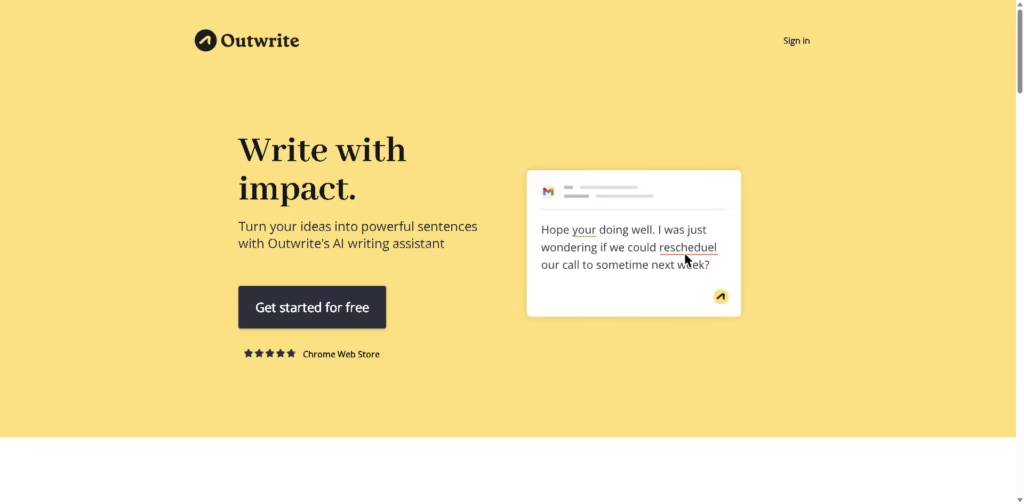
What It Does
Outwrite is an AI writing assistant for checking grammar, spelling, punctuation, readability, and writing style. It is designed for students, professionals, casual writers, and teams who want to improve the accuracy and clarity of online and business writing.
A typical workflow is to write an email, document, or social post in a supported environment such as Google Docs, Microsoft Word, Gmail, or LinkedIn, then use Outwrite to identify errors and apply grammar, style, structural, or rewriting suggestions. Pro users can also use paraphrasing, passive-voice detection, and other advanced writing improvements.
Quick Verdict
- Best for: Improving grammar, clarity, and sentence structure across everyday writing
- Skip if: You need advanced content generation rather than editing and rewriting
- Key Advantage: Works across multiple writing environments
- Top Alternative: Grammarly
At a Glance
| Feature | Details |
|---|---|
| Category | AI Writing Assistant |
| Pricing Model | Freemium |
| Free Tier | Yes |
| Platform | Web, Chrome, Edge, Microsoft Word, Google Docs |
| API | Not specified |
| Primary Strength | Cross-platform writing improvement |
| Languages | English, French, Spanish |
| Plagiarism Checks | 50/month |
Pricing & Plans
- Essential: Free. Includes spelling and grammar checking, thesaurus, Google Docs, Microsoft Word, browser extensions, and web app access.
- Pro: $9.95/month on the monthly pricing shown. Includes style improvements, structural suggestions, sentence rewriting, 50 plagiarism checks per month, and priority email support.
- Teams: $7.95/user/month on the pricing shown. Includes Pro features plus group discounts, team access management, and consolidated billing.
Note: Prices and plan limits may change. Check the official website for current pricing.
Key Features
- Detects spelling, grammar, and punctuation errors.
- Provides readability and grade-level statistics in real time.
- Rewrites sentences to make them shorter, longer, or different.
- Suggests improvements to writing style and sentence structure.
- Detects passive voice and suggests active alternatives.
- Checks writing in English, French, and Spanish.
Best For
- Correcting grammar and punctuation in emails and documents
- Rewriting sentences for clearer communication
- Improving readability and grade-level scores
- Converting passive sentences into active constructions
- Maintaining consistent writing across team communications
Pros & Cons
Pros:
- Free plan covers core spelling and grammar correction.
- Works with Google Docs, Microsoft Word, and browser extensions.
- Pro adds paraphrasing, structural suggestions, and style improvements.
- Teams plan supports centralized access management and billing.
Cons:
- Advanced writing features require a Pro or Teams subscription.
- Plagiarism checking is limited to 50 checks per month.
- API availability is not specified in the provided information.
Alternatives & Comparisons
| Alternative | Best For | Key Difference vs. This Tool |
|---|---|---|
| Grammarly | Comprehensive grammar and writing assistance | Offers a broader writing-assistance ecosystem with additional AI features. |
| QuillBot | Paraphrasing and rewriting | Places greater emphasis on paraphrasing and rewriting variations. |
| ProWritingAid | Detailed writing analysis | Provides deeper long-form writing analysis and editing tools. |
Outwrite fits the AI writing assistant market by combining grammar checking, rewriting, style suggestions, readability analysis, and browser-based editing.
Choose Outwrite when you want these writing improvements directly across tools such as Google Docs, Word, Gmail, LinkedIn, and WordPress.
Frequently Asked Questions
Is Outwrite free?
Yes. Outwrite has a free Essential plan that includes spelling and grammar checking, thesaurus access, and supported platform access.
What is the difference between Outwrite Free and Pro?
The free plan focuses on spelling and grammar, while Pro adds style improvements, structural suggestions, sentence rewriting, plagiarism checks, and priority email support.
Does Outwrite work with Google Docs and Microsoft Word?
Yes. Both the Essential, Pro, and Teams plans list Google Docs and Microsoft Word support.
Which languages does Outwrite support?
Outwrite provides writing checks in English, French, and Spanish.
Does Outwrite have a team plan?
Yes. The Teams plan adds group discounts, team access management, and consolidated billing alongside the Pro features.
ToolsPedia Rating
- Performance & Speed: 4.4/5.0
- Ease of Setup: 4.7/5.0
- Feature Depth: 4.3/5.0
- Value for Price: 4.4/5.0
- ToolsPedia Score: 4.5/5.0
Final Thoughts
Outwrite is a practical choice for users who want grammar correction and writing refinement across several everyday writing platforms. Its free tier handles core corrections, while Pro and Teams add rewriting, style, structural, and collaboration features. Start with the free plan to assess the core writing checks before upgrading for advanced editing tools.
















