What It Does
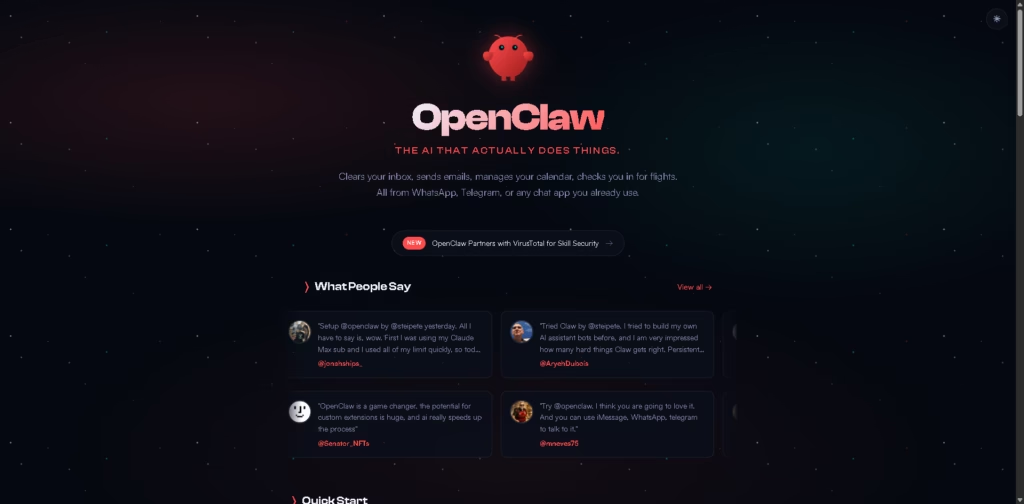
OpenClaw is an open-source AI assistant that runs on your computer and works through the chat apps you already use, like WhatsApp, Telegram, Discord, Slack, and even iMessage.
Instead of opening another dashboard, you message it like a teammate.
It can handle real tasks like clearing your inbox, sending emails, managing your calendar, checking in for flights, browsing websites, filling forms, running scripts, controlling files, and even creating new skills for itself.
Think of it as a personal AI operator that works 24/7 and remembers how you like things done.
Key Features
- Works Inside Your Favorite Chat Apps: Talk to OpenClaw through WhatsApp, Telegram, Discord, Slack, Signal, or iMessage-no new app to learn.
- Runs on Your Own Machine: It works on Mac, Windows, and Linux, giving you more control over your data and setup.
- Persistent Memory
It remembers your preferences, workflows, and past conversations, so it becomes more useful over time. - Browser Control: It can browse websites, fill forms, collect information, and handle repetitive online tasks for you.
- Full System Access
OpenClaw can read files, write documents, run shell commands, and execute scripts when needed. - Skills & Plugins: Add community-built skills or create your own custom automations for work, personal life, or business.
- Supports Multiple AI Models: You can connect it with Anthropic, OpenAI, or even local AI models, depending on your setup.
- Proactive Background Tasks: It can run reminders, scheduled jobs, heartbeats, and recurring tasks without waiting for you to ask.
Who Is OpenClaw For?
- Busy Professionals: Great for handling emails, scheduling, reminders, and daily briefings without constant manual work.
- Developers & Builders: Perfect for automating coding tasks, managing testing workflows, GitHub actions, and deployment fixes.
- Business Owners: Helpful for operations, follow-ups, invoices, research, and managing repetitive admin work.
- Productivity Lovers: Ideal for people who want a “personal operating system” that helps organize life and work.
- Power Users Who Want Control: Since it’s open-source and self-hosted, it’s a strong fit for users who prefer ownership over locked platforms.
- Teams & Families
It can work as a shared assistant for communication, planning, reminders, and coordination.
Final Thoughts
OpenClaw feels less like another AI tool and more like hiring a digital teammate that never sleeps. The biggest win is that it works where you already chat, remembers context, and can actually take action instead of just giving suggestions.
If you want a private, flexible, and seriously powerful AI assistant that you can shape around your own workflow, OpenClaw is absolutely worth exploring. It’s especially strong for people who want AI to do the work, not just talk about it.
If your current AI tools feel like smart interns, OpenClaw feels much closer to a reliable operator.