
What It Does
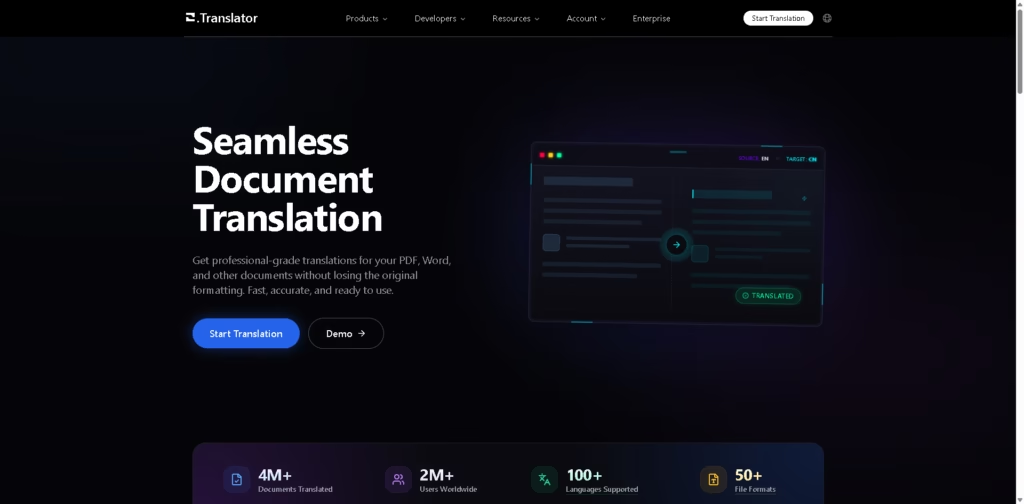
O.Translator is an online document translation platform focused on translating PDFs, Word files, EPUBs, spreadsheets, presentations, and other supported formats while preserving the source document’s formatting. It also provides terminology management, online editing, translation previews, and team collaboration features.
The platform is primarily designed for users who need formatted documents translated without rebuilding the layout afterward. A typical workflow is to upload a DOCX or PDF, preview the translated version, adjust terminology or text online, and proceed once the result meets expectations.
At a Glance
| Field | Details |
|---|---|
| Category | AI document translation |
| Languages | 100+ |
| File formats | 50+ |
| Documents translated | 4M+ |
| Users | 2M+ |
| Supported formats | PDF, DOCX, EPUB, XLSX, PPTX, HTML, TXT |
| Translation workflow | Preview, edit, terminology management |
| Security | End-to-end encryption and private-cloud storage |
Key Features
- Translates documents while retaining their original formatting and layout.
- Supports 100+ languages and more than 50 file formats.
- Provides custom term bases for consistent professional terminology.
- Lets users preview translated documents before paying.
- Supports online editing and post-translation terminology adjustments.
- Enables team members to share translation projects and term bases.
Best For
- Translating formatted PDFs without manually rebuilding document layouts.
- Localizing DOCX files while retaining existing formatting.
- Maintaining consistent terminology across recurring translation projects.
- Reviewing translated documents before committing payment.
- Collaborating on multilingual document projects with other team members.
Pros & Cons
| Pros | Cons |
| Broad document-format and language support. | Primarily focused on document translation rather than general-purpose translation. |
| Translation preview lets users inspect results before payment. | Actual translation quality can vary by language and document complexity. |
| Custom terminology management benefits specialized workflows. | The provided information does not specify detailed file-size limits. |
| Online editing and team collaboration support professional workflows. | Pricing and quality tiers require further evaluation for larger workloads. |
Alternatives & Comparisons
| Alternative | Best For | Key Difference |
| DeepL | High-quality general and document translation | Strong general-purpose translation ecosystem with document translation. |
| Google Translate | Quick, broad-access translation | Broader consumer translation options and simpler casual workflows. |
| Doculator | Multi-format AI translation | Combines document, image, and video translation in one platform. |
O.Translator fits best when document formatting, terminology consistency, and translation preview are central requirements. Users who mainly need quick everyday translation may find broader general-purpose translators more suitable.
Frequently Asked Questions
Does O.Translator preserve document formatting?
Yes. Preserving the original document’s formatting and layout is a central part of its document-translation workflow.
Which document formats does O.Translator support?
The platform lists PDF, DOCX, EPUB, XLSX, PPTX, HTML, and TXT among its supported formats, with more than 50 formats available overall.
Does O.Translator support terminology management?
Yes. Users can create custom term bases and use them to improve consistency across translation projects.
Can I review a translation before paying?
Yes. O.Translator provides a translation preview workflow that allows users to inspect the translated result before proceeding with payment.
Is O.Translator suitable for teams?
It can be. The platform supports shared translation projects and terminology resources for multiple team members.
Overall Rating
| Category | Score |
| Performance | 8.5/10 |
| Ease of Use | 8.6/10 |
| Feature Set | 8.8/10 |
| Workflow Fit | 9.0/10 |
| Overall | 8.7/10 |
O.Translator is a strong fit for document-heavy translation workflows, particularly where preserving formatting and managing terminology matter.
Final Verdict
- Best for: Translating business, academic, and formatted documents while preserving their original structure.
- Avoid if: You primarily need conversational or casual real-time translation.
- Biggest strength: Combines format preservation, terminology management, previewing, and team workflows.
- Best alternative: DeepL for users prioritizing a broader general-purpose translation ecosystem.
















