
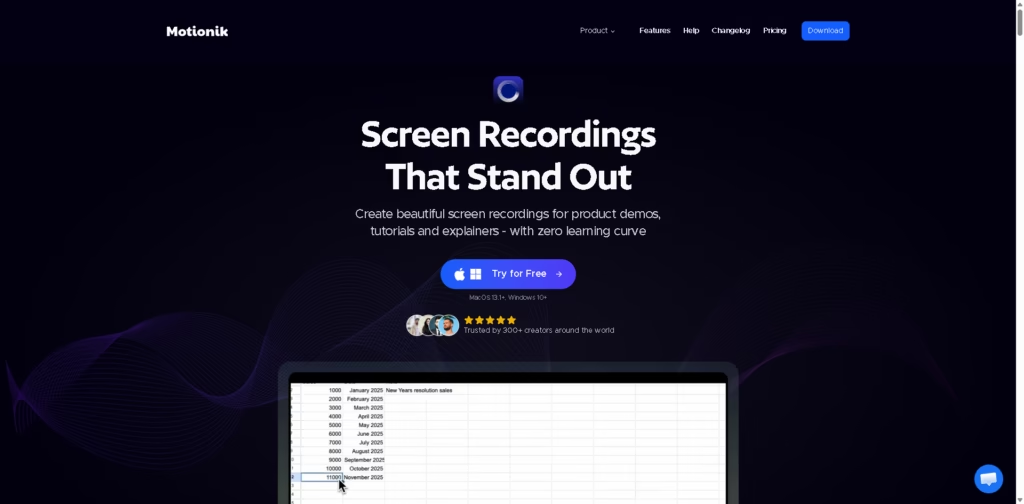
What It Does
Motionik is an all-in-one screen recording and editing tool that helps you create polished, professional-looking videos, like tutorials, demos, and explainers, without needing multiple apps or complex editing skills.
Key Features
- Auto Zoom & Cursor Tracking – Automatically zooms into important areas and follows your cursor for smooth, engaging visuals
- Built-in Editing Tools – Trim videos, add text, images, highlights, and overlays—all in one place
- Webcam & Audio Recording – Record your screen along with webcam, mic, and system audio
- AI Enhancements – Generate transcripts and remove background noise for cleaner output
- Custom Styling – Add backgrounds, shadows, rounded corners, and branding elements
- Mobile Recording Support – Record iPhone and iPad screens easily via connection
- Multiple Export Options – Export videos in various formats, resolutions (up to 4K), and aspect ratios
- Cursor Effects & Animations – Customize clicks, motion blur, and pointer styles for better engagement
Who Is Motionik For?
- Content Creators – Make YouTube tutorials, product demos, and social media videos quickly
- Educators & Students – Create clean, easy-to-follow lessons and presentations
- Developers & SaaS Founders – Record product walkthroughs and onboarding videos
- Freelancers & Marketers – Deliver polished client presentations and explainer videos
- Beginners – Ideal for anyone who wants professional results without learning complex tools
Final Thoughts
Motionik stands out by combining recording, editing, and AI enhancements into a single, simple workflow. Instead of juggling multiple tools, you can go from recording to a finished video in minutes.
If you regularly create tutorials, demos, or online content, this tool can save you a lot of time while making your videos look more professional.
Definitely worth trying, especially if you want fast, clean results without the usual editing headache.















