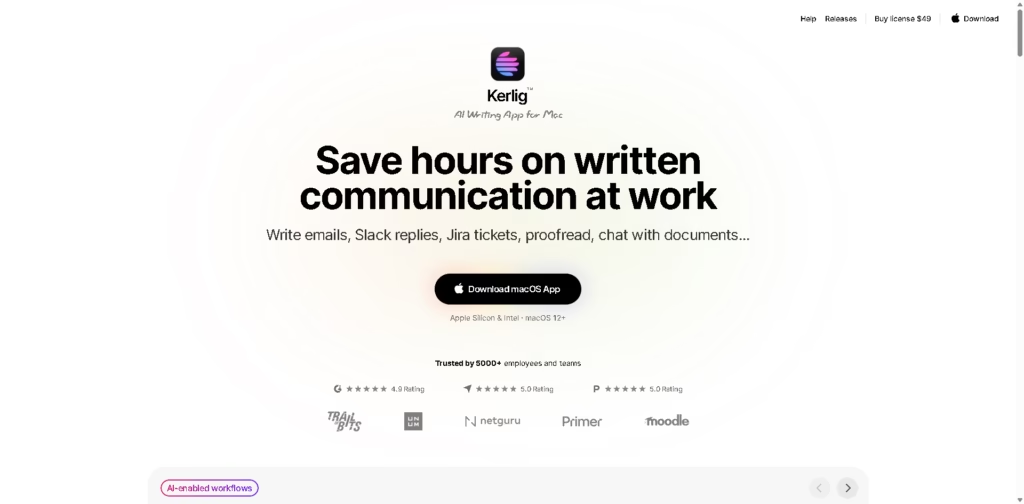
What It Does:
Kerlig is a Mac-based AI writing assistant that helps you quickly write, edit, and improve text across everyday work apps.
It works directly inside your system, so you can generate emails, Slack replies, Jira tickets, summaries, and more without switching tabs or opening separate tools.
Key Features:
- AI writing anywhere on Mac: Works inside emails, Slack, browsers, and documents
- Proofreading & grammar fixes: Instantly corrects spelling and improves clarity
- Email & message drafting: Writes professional replies in your tone
- Document chat: Summarizes PDFs, webpages, and other files
- Custom AI actions: Create shortcuts like “summarize” or “rewrite.”
- Multiple AI models: Supports 350+ models, including OpenAI, Claude, Gemini, and more
- Hotkey access: Trigger AI actions instantly with keyboard shortcuts
- Privacy-focused setup: Uses your chosen AI provider or local models on Mac
- Team support: Can be deployed for teams with multi-device licensing
Who Is Kerlig For?
- Professionals who write emails, reports, and daily communication
- Product managers & developers handling Slack, Jira, and documentation
- Students & researchers summarizing and improving writing tasks
- Business owners are managing client communication faster
- Content writers & marketers improving writing quality and speed
- Mac users who want AI built directly into their workflow
Final Thoughts:
Kerlig is designed to remove the friction of writing across multiple apps. Instead of copying text into separate AI tools, it brings AI directly into your Mac workflow so you can write, edit, and respond faster.
It’s especially useful if your daily work involves a lot of writing and you want a simple, keyboard-driven AI assistant that saves time and improves clarity without breaking your workflow.