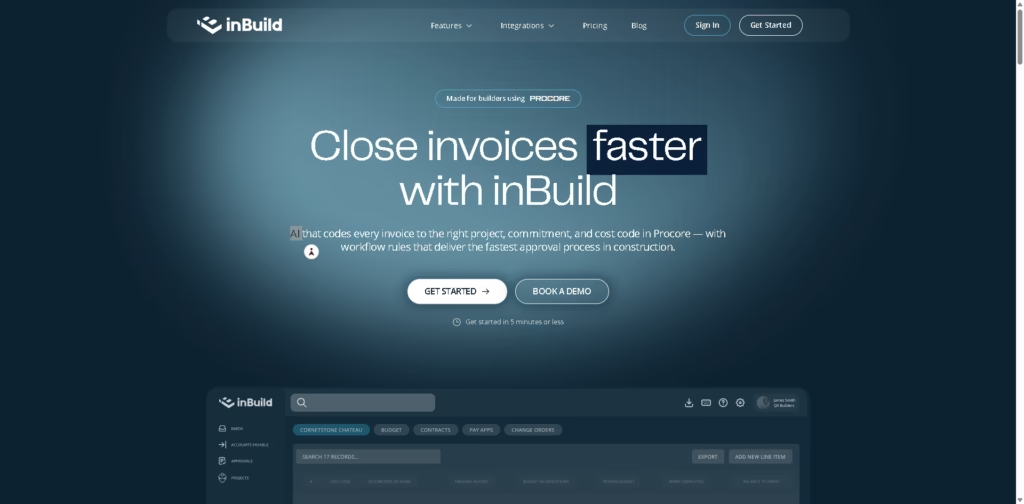
What It Does:
InBuild is an AI-powered construction invoicing automation platform that connects with Procore and QuickBooks to automatically code, organize, and process invoices.
It helps construction teams reduce manual accounting work by matching invoices to the right projects, budgets, and cost codes in real time.
Key Features:
- AI-driven invoice coding directly into Procore projects and cost codes
- Automatic matching of invoices with commitments, budgets, and vendors
- Centralized invoice inbox from email and field submissions
- Real-time syncing with Procore and QuickBooks for updated financial tracking
- Workflow automation for invoice approvals and billing processes
- Collaboration tools with alerts, comments, and team review features
- Integration with construction tools like Procore and accounting systems
- Automated updates for budgets, direct costs, and project financials
- Human review support for exceptions and approvals
- Faster invoice processing and reduced administrative workload
Who is inBuild for?
- Construction companies using Procore for project management
- Accounting and finance teams handling high volumes of job invoices
- Project managers who need real-time budget and cost tracking
- Contractors and builders managing multiple vendors and subcontractors
- Teams that want to reduce manual invoice coding and approvals
- Construction firms using QuickBooks for accounting sync
Final Thoughts:
InBuild is built specifically for construction teams that struggle with slow, manual invoice processing. By automatically linking invoices to projects and cost codes inside Procore, it saves time, reduces errors, and improves financial visibility.
It’s especially useful for builders who want faster approvals and cleaner job cost tracking without changing their existing systems.